Storyboard Generator: from brief to finished spot
Our own tool, built in ZDES Studio
Our entire test spot, from brief to finished video, was generated in 40 minutes with almost no human involvement: all we supplied were the inputs. Inside ZDES Studio we built a pre-production tool. It reads the brief, breaks it into scenes and shots, draws the storyboard, renders stills in one consistent look and brings them to life as video. What you get is a finished spot, or an animatic that shows what to shoot live, what to composite and what to make entirely with AI, before a single shoot day is budgeted.
01
All of pre-production in one project
Getting from a brief to a clear picture of the spot usually takes a screenwriter, a storyboard artist, moodboards scattered across folders and several rounds of approvals. In the Storyboard Generator it’s six stages of one project: setup, script, moodboard, storyboard, scenes and video. Each stage sets up the next.
You drop in the brief and everything that comes with it: references, notes, a script if there is one. The system reads it all and proposes a look, a format, a runtime and technical notes on camera, lenses, light, editing and sound. That becomes the shot list. Every shot gets a number, a scene, a duration, a shot type and a description built on seven parameters: subject, location, framing, angle, camera movement, lens and light.
How it works
The test in numbers
- 40
- minutes for the whole generation, with a person supplying only the inputs: the brief and the references
- 6
- stages: setup, script, moodboard, storyboard, scenes, video
- 7 / 19
- scenes and shots from a single brief
- 3
- shot types: live action, composite, full AI
- 7
- parameters per shot: subject, location, framing, angle, movement, lens, light
- 84
- frame and video variants kept in the history, none of them lost
02
One look, from sketch to video
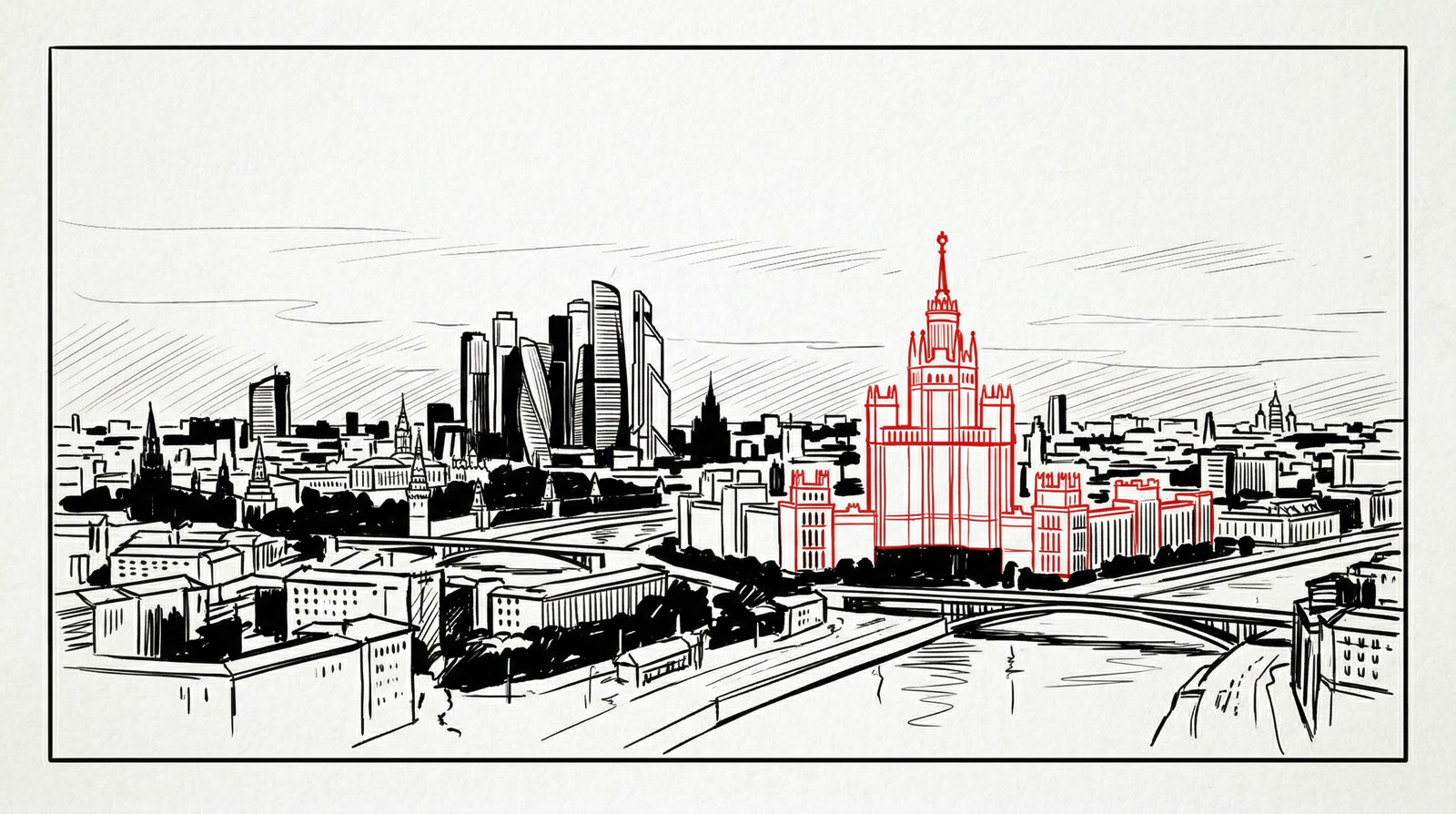
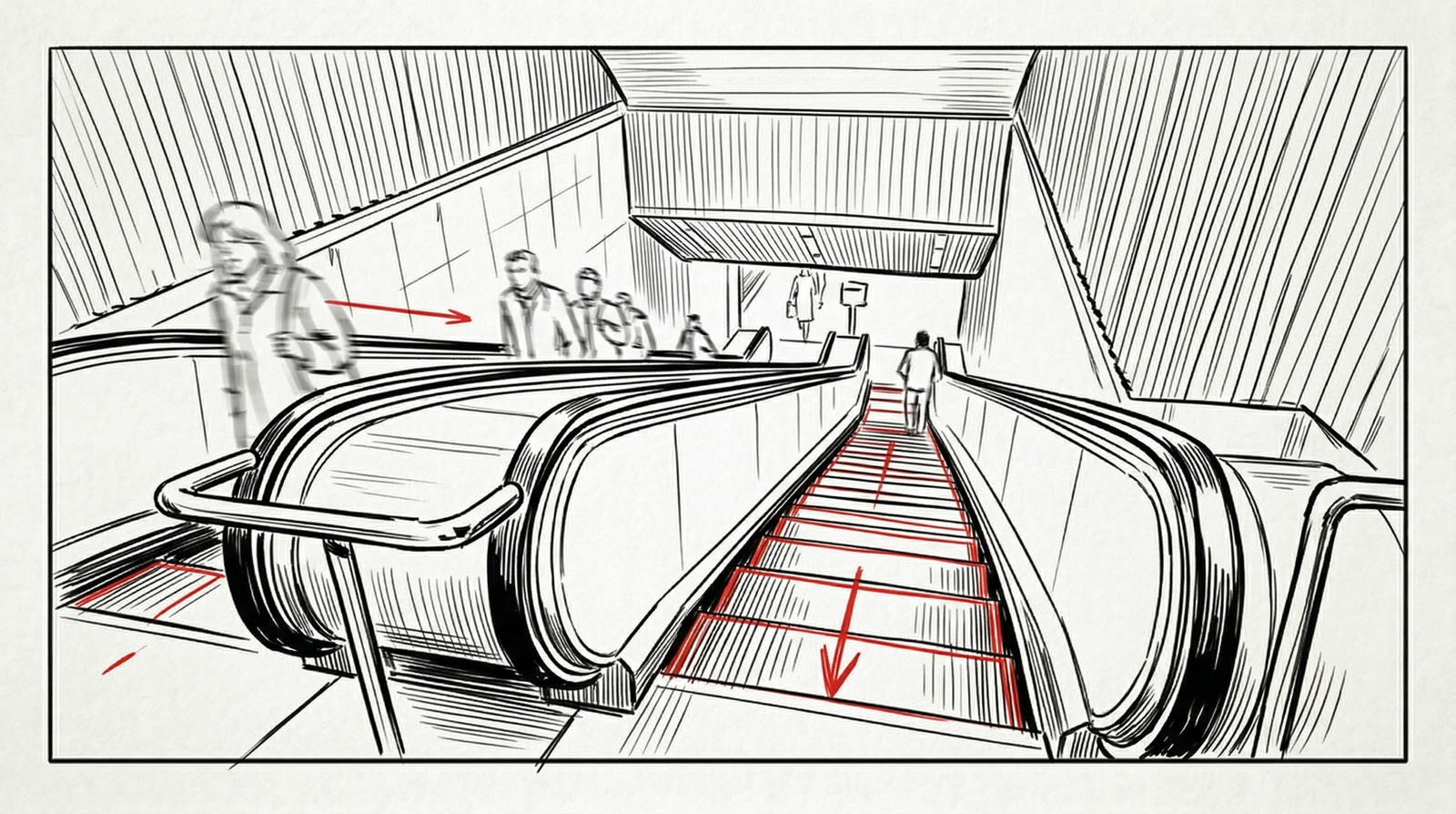
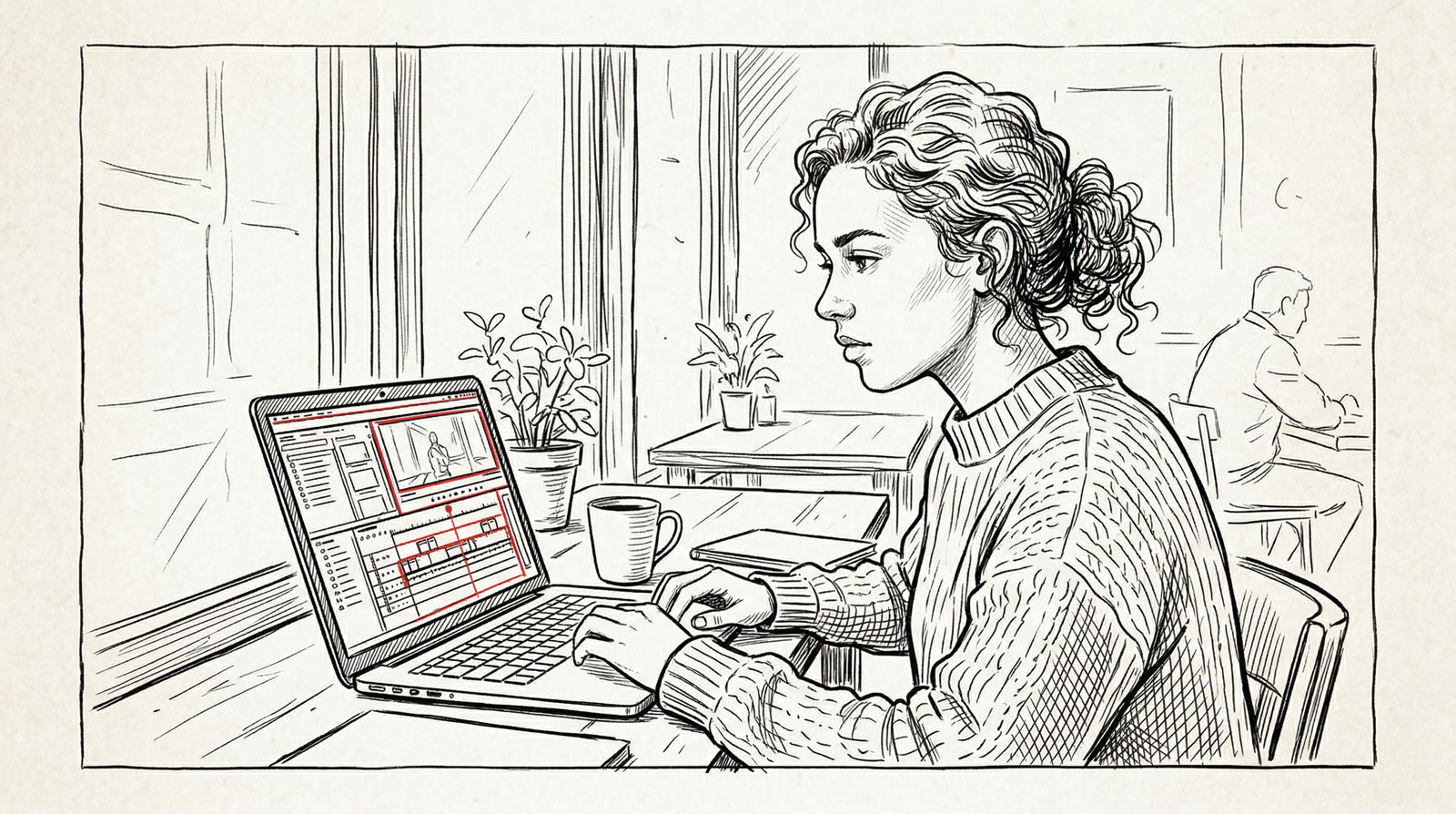
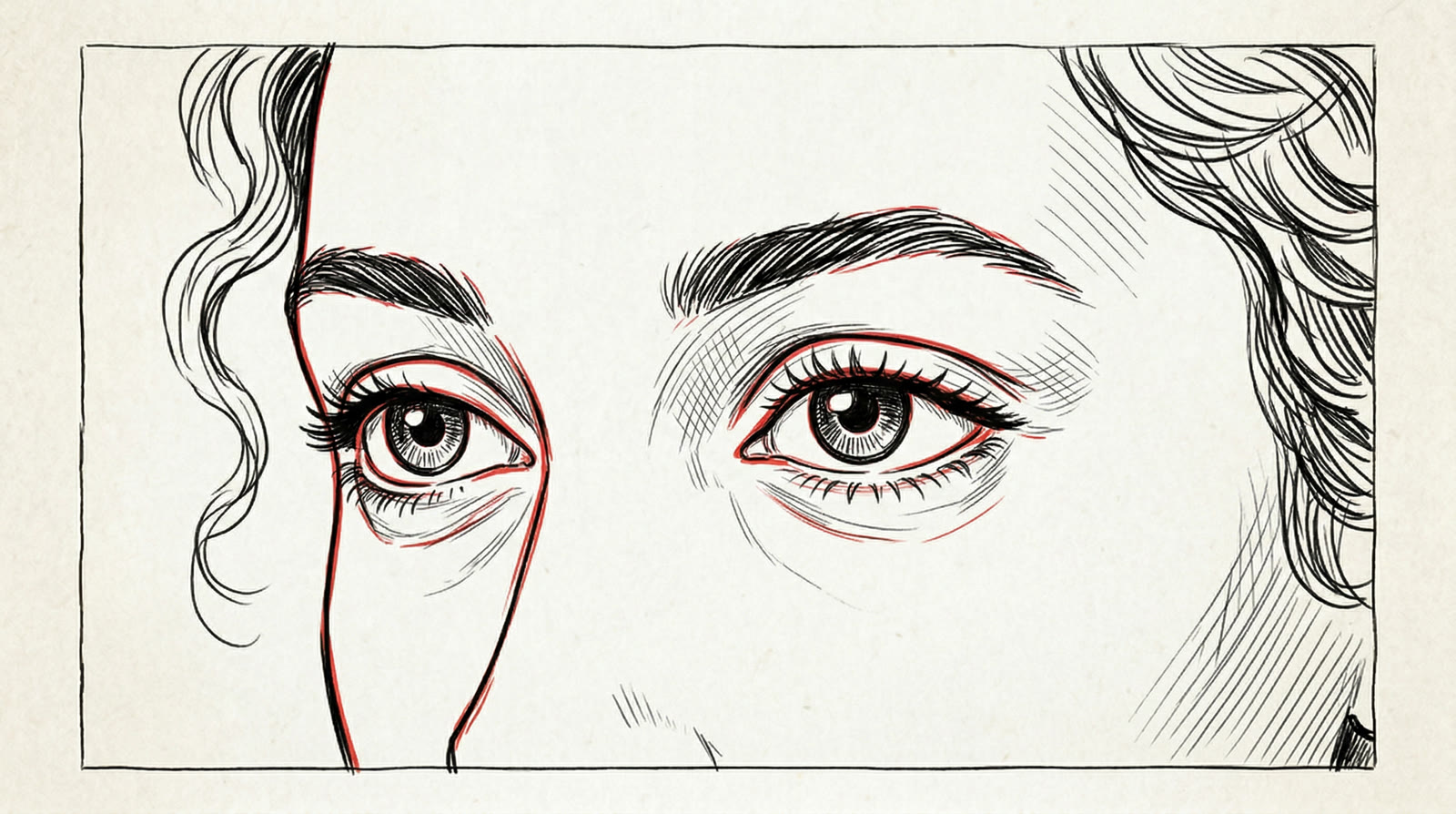
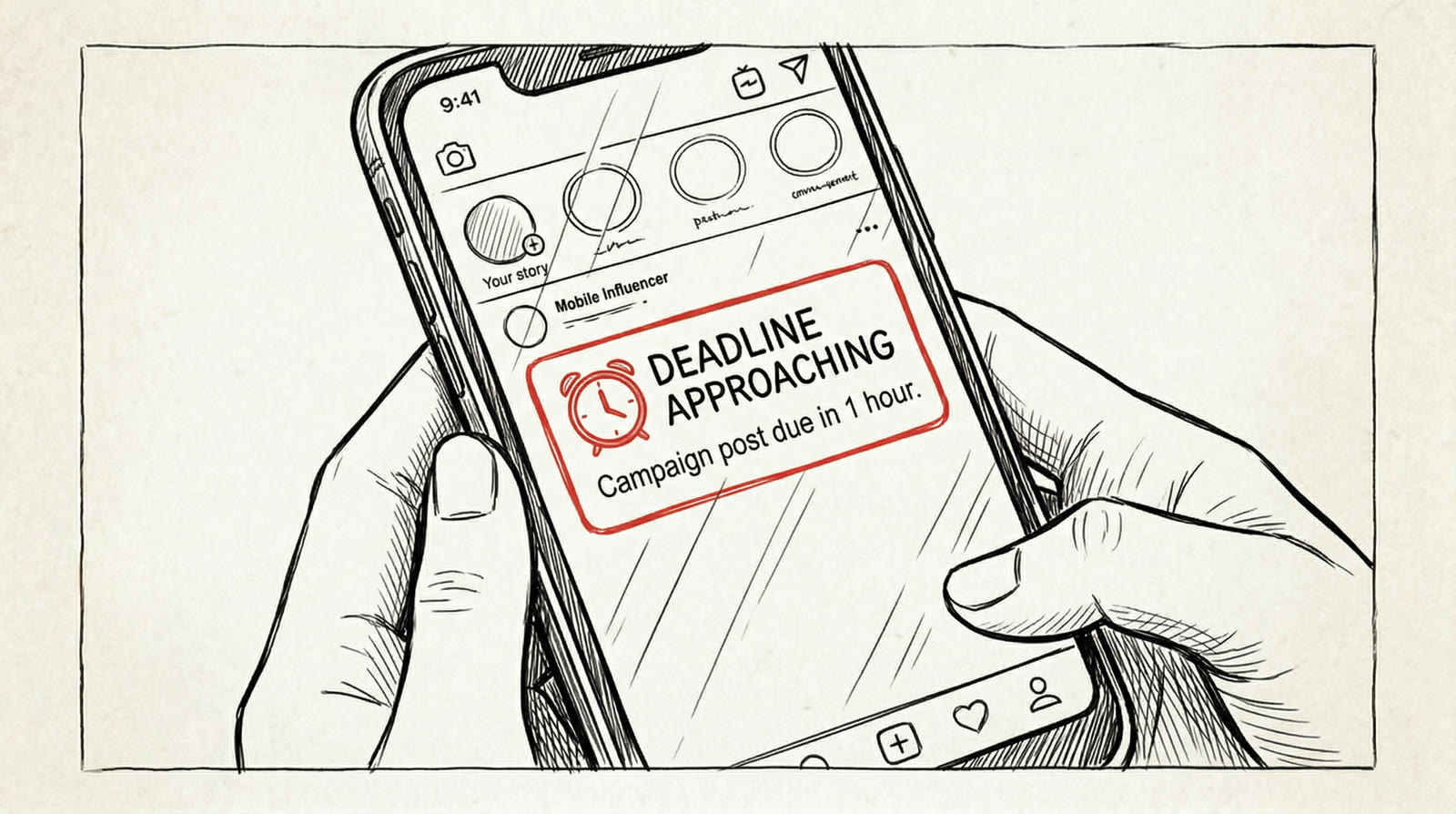
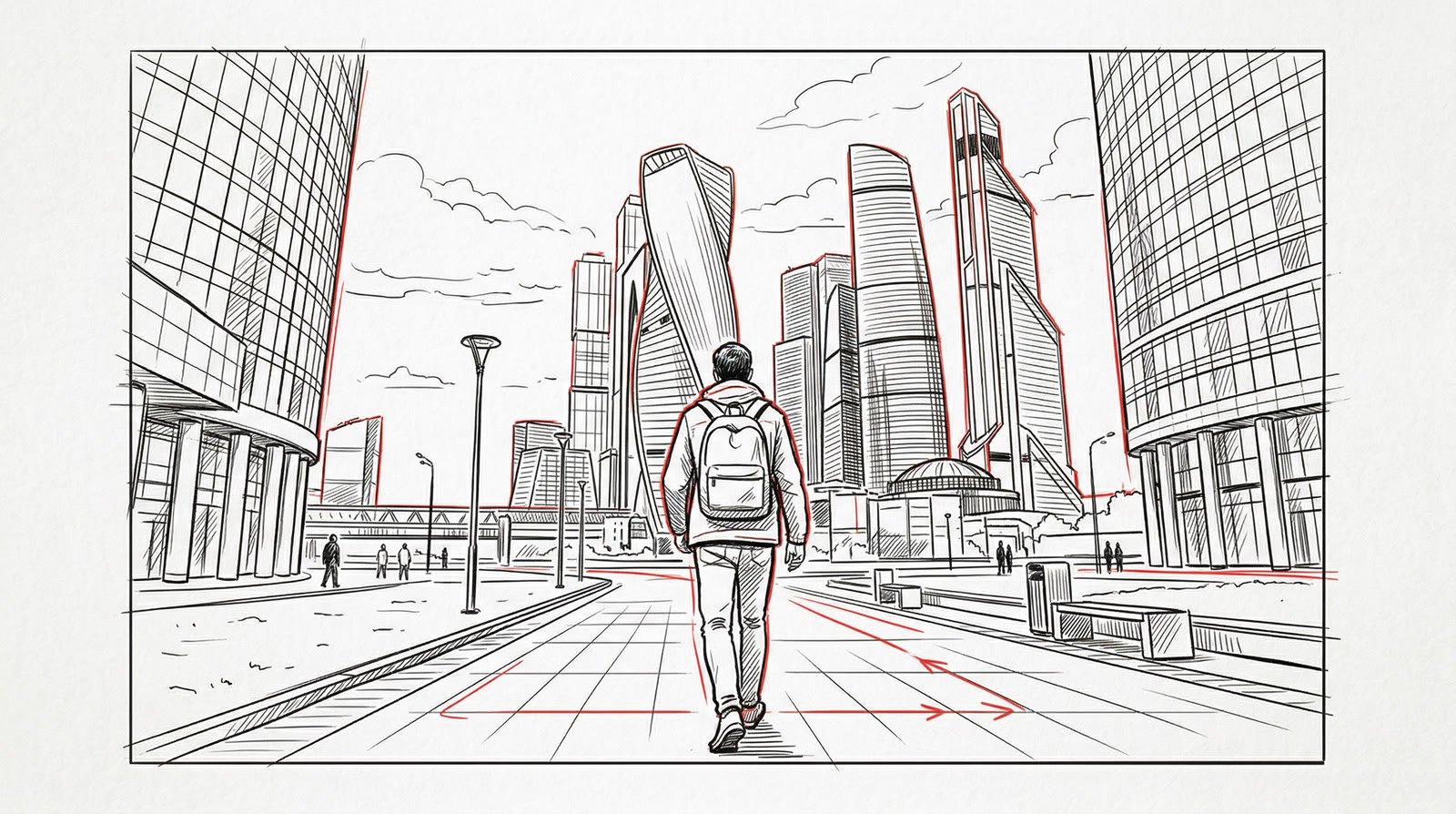
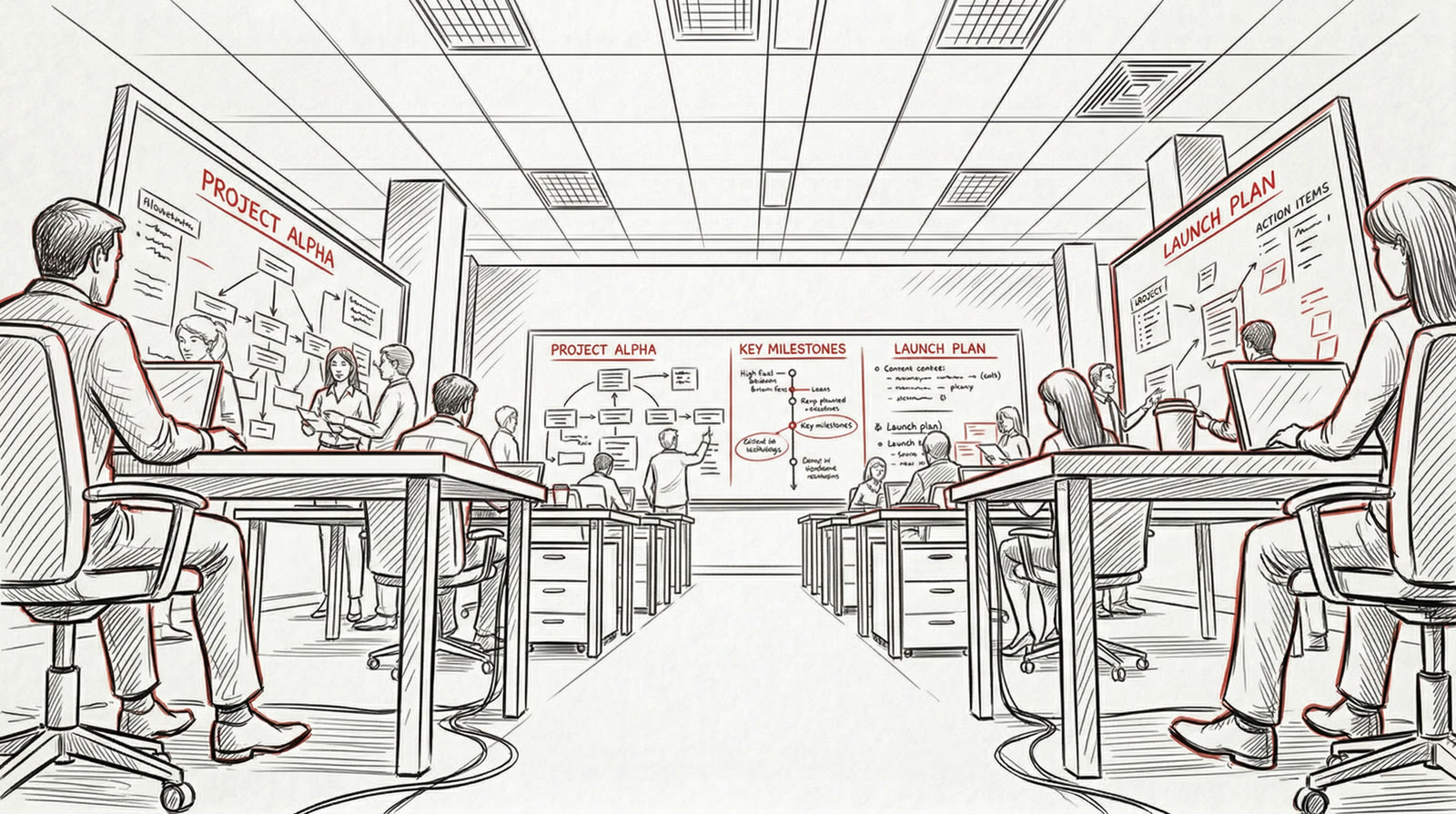
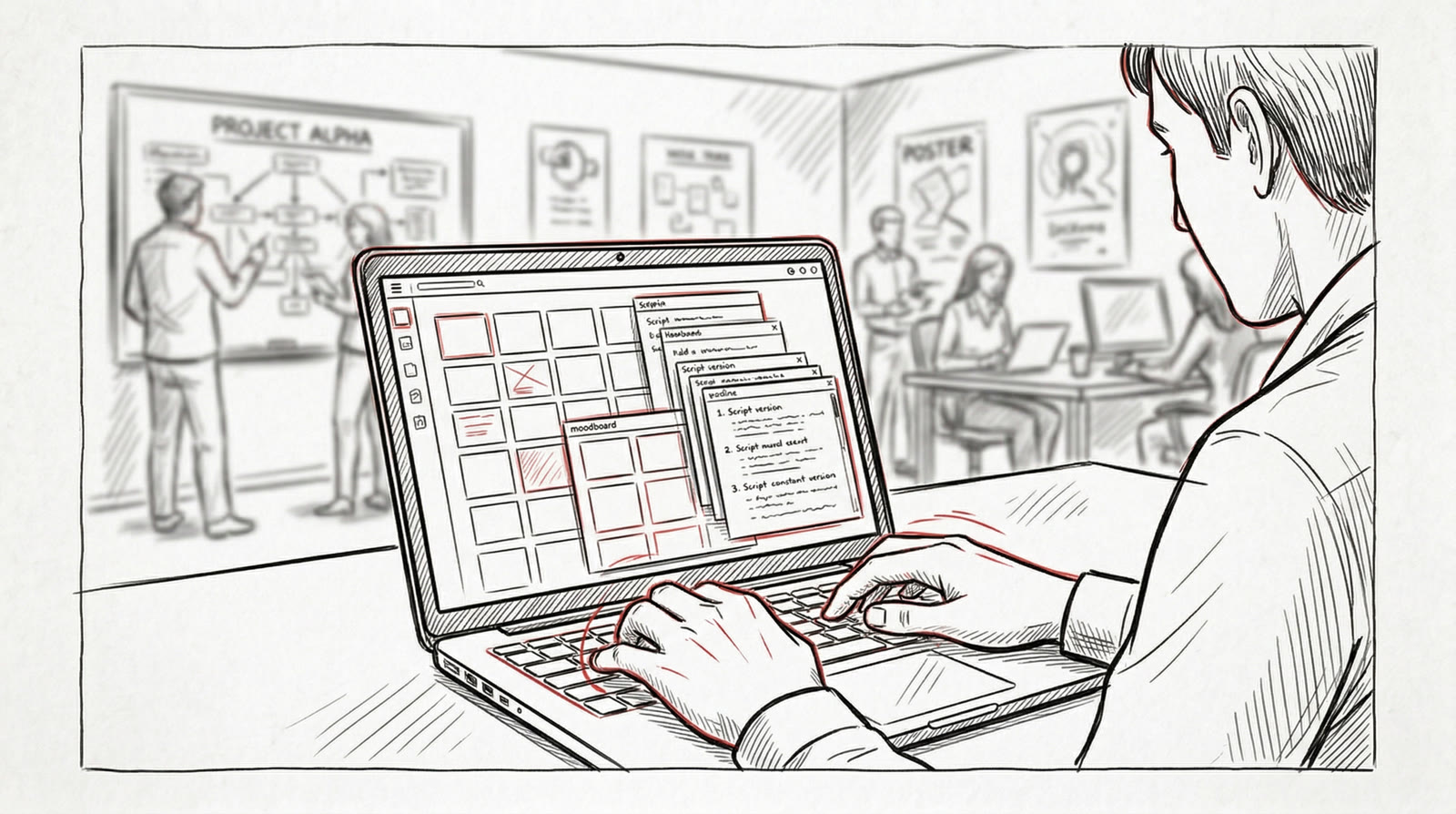
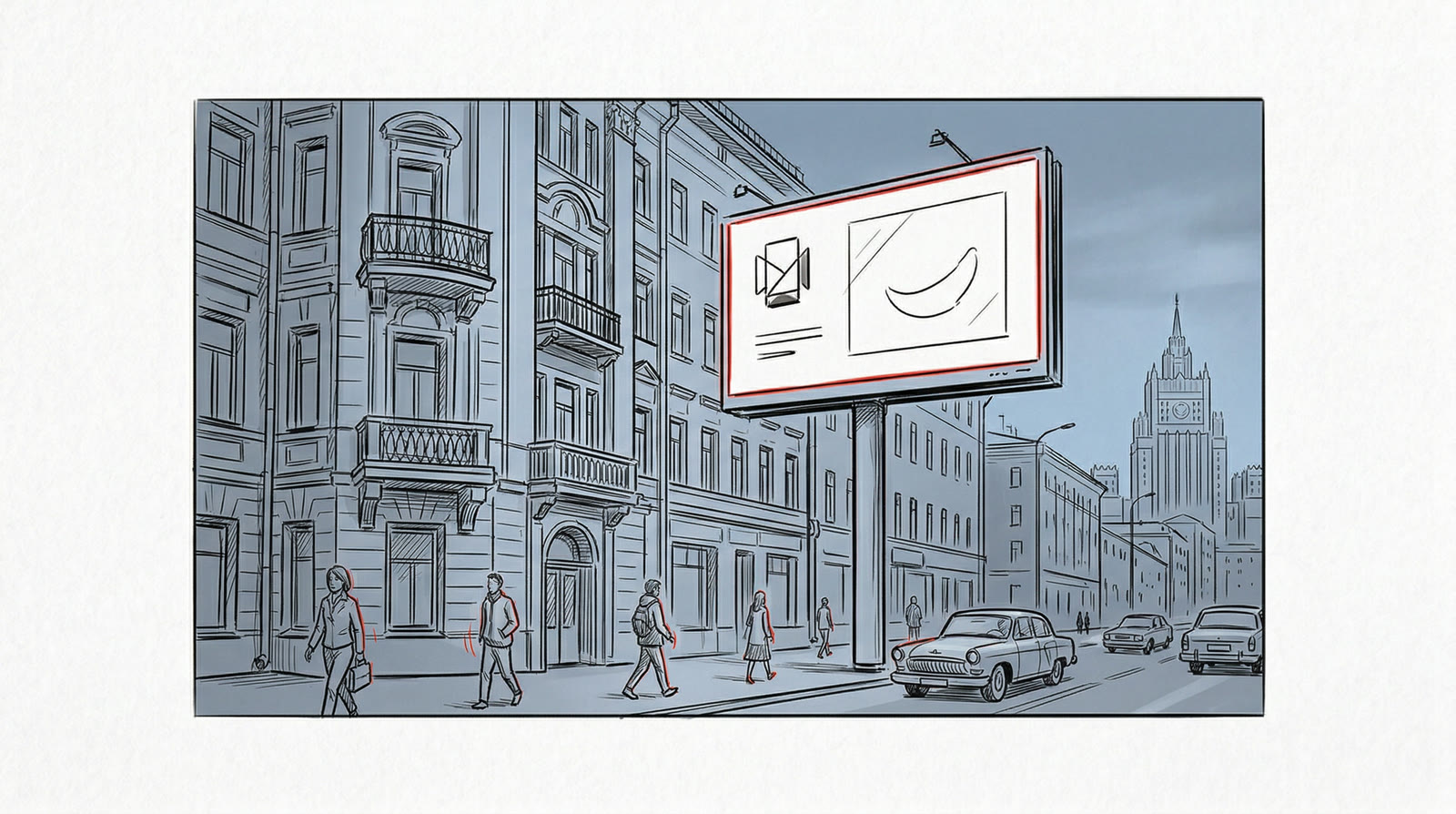
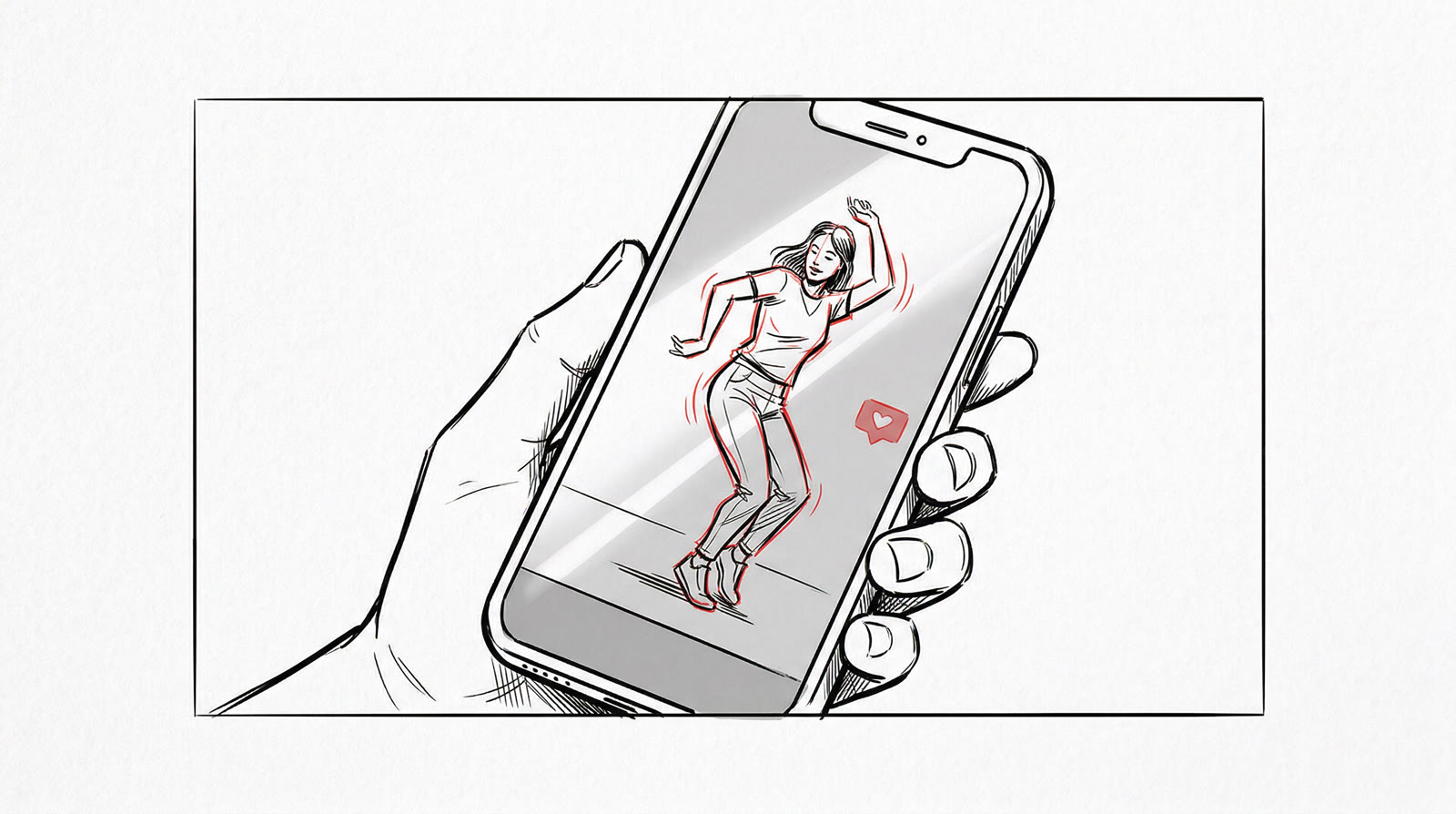
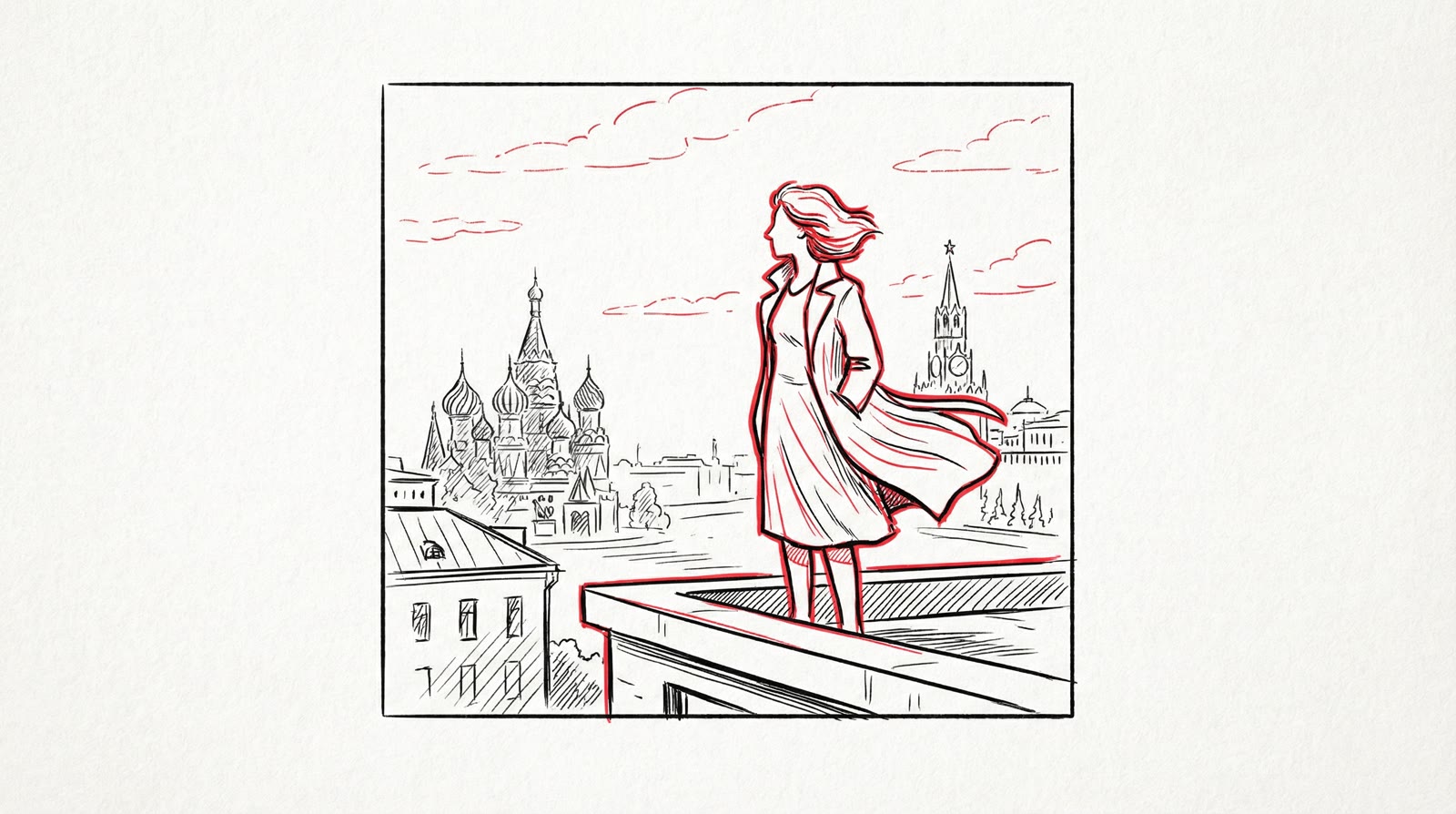
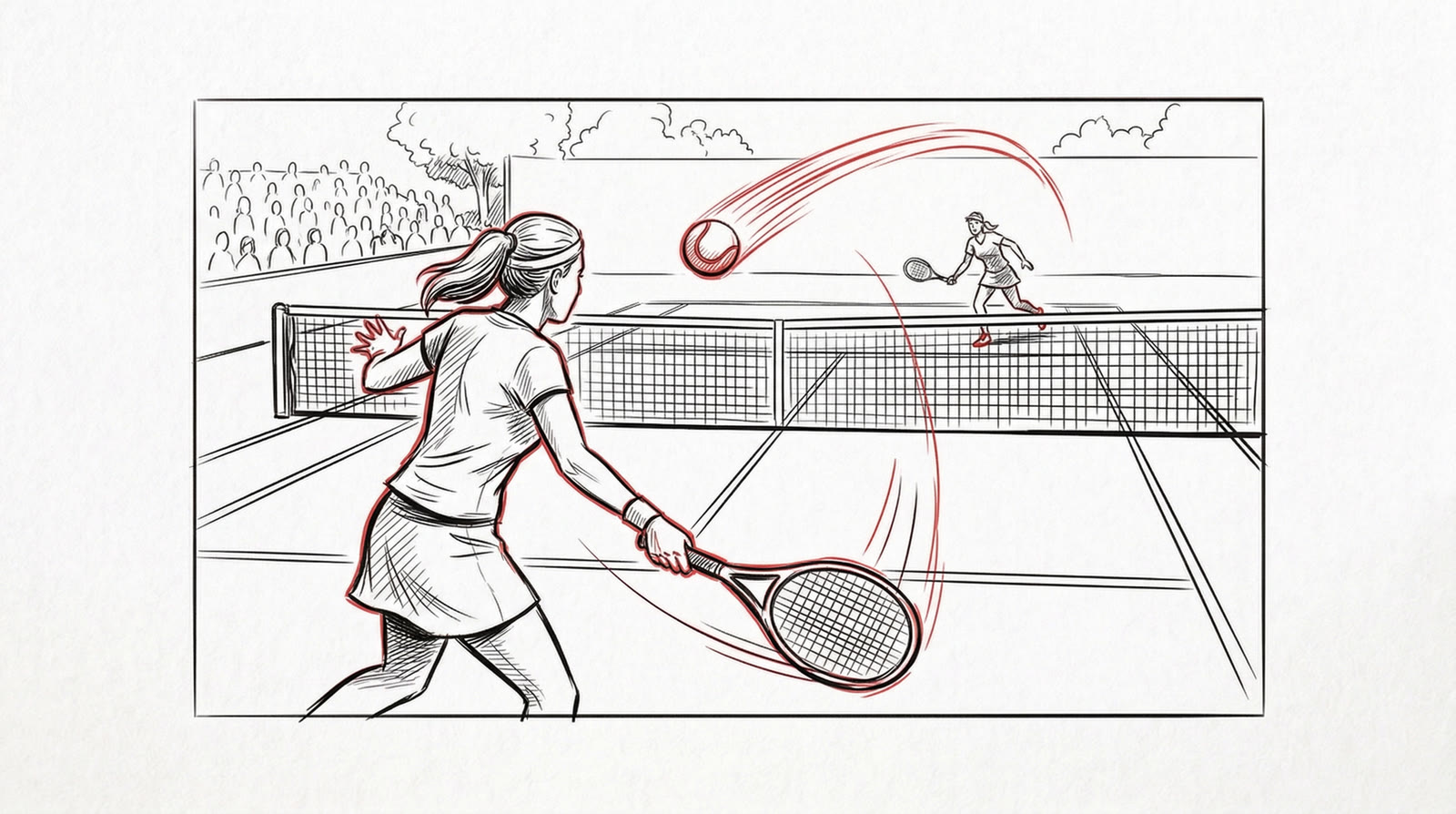
The storyboard is drawn in one hand for the whole spot: black line on white, with the key action of each frame picked out in red. It lets you sign off on the edit before a single image exists.
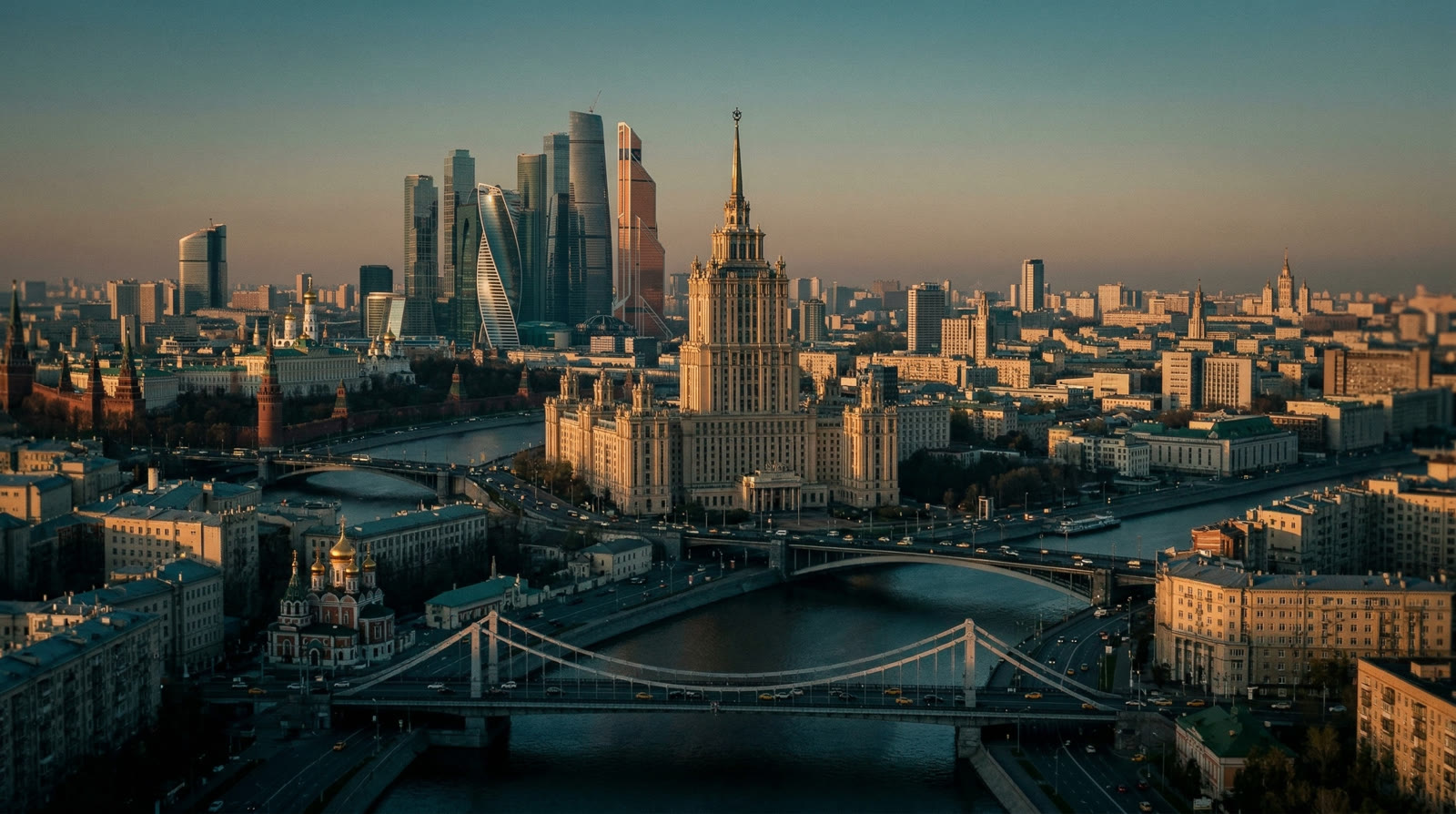
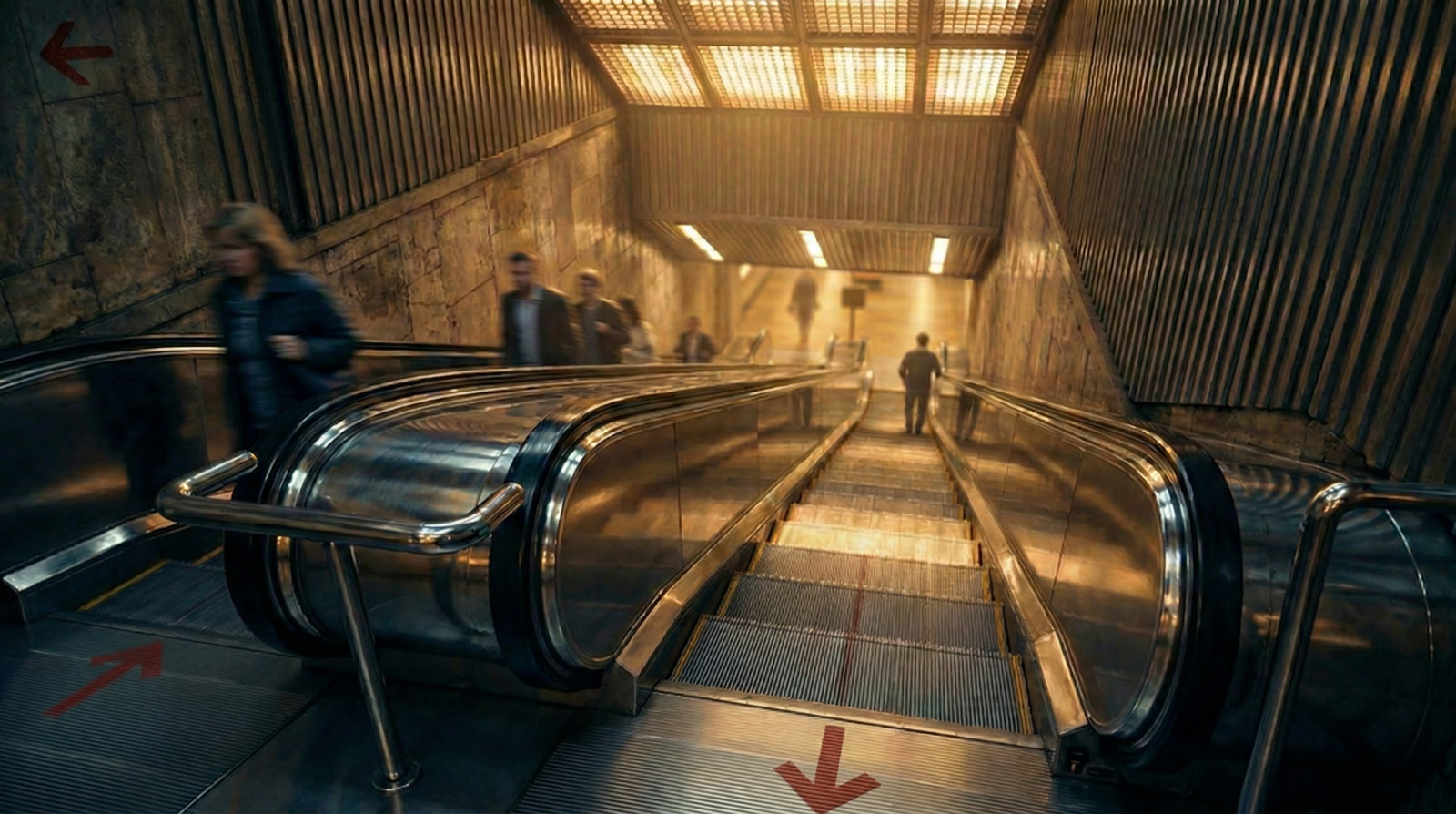
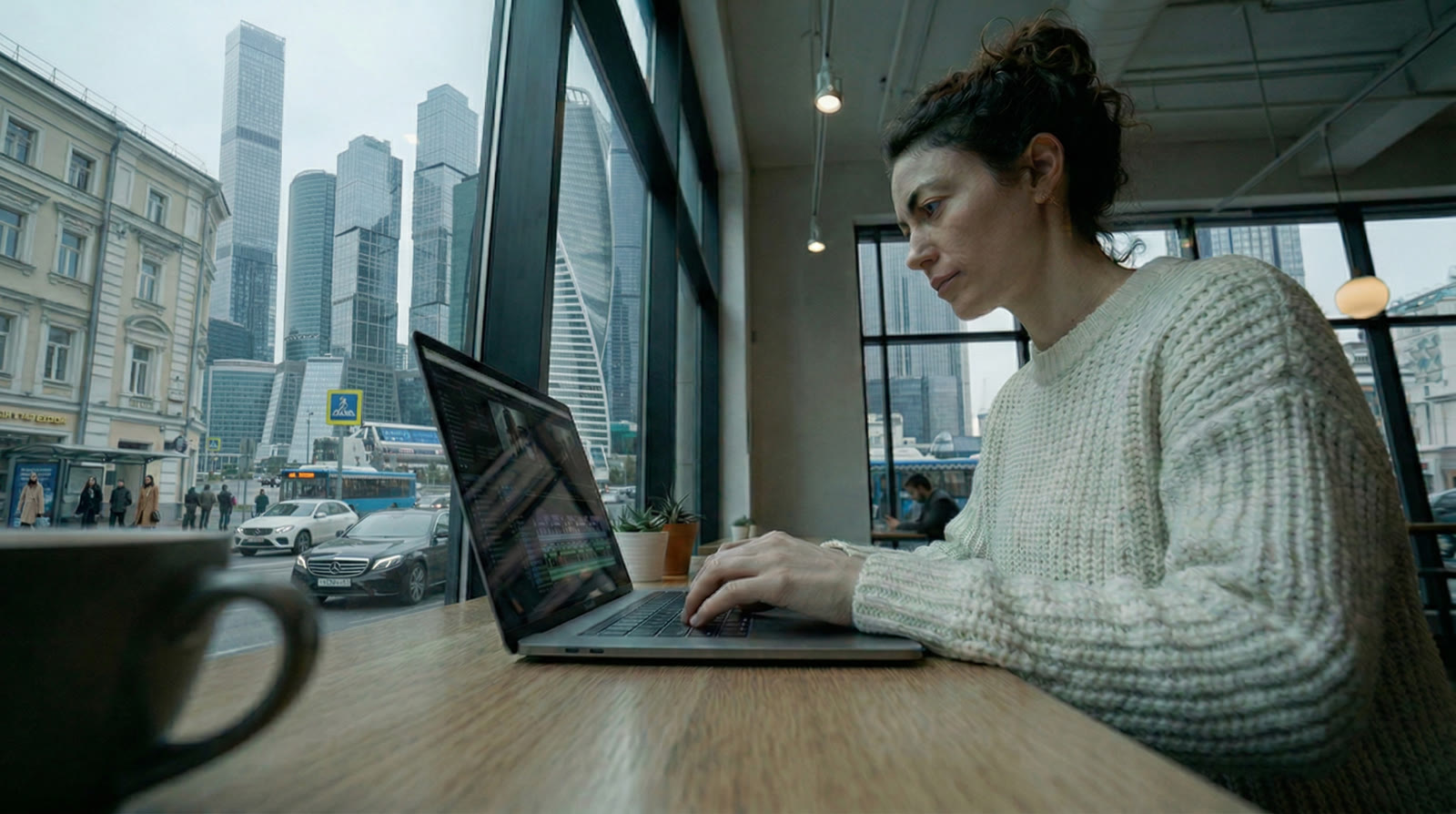
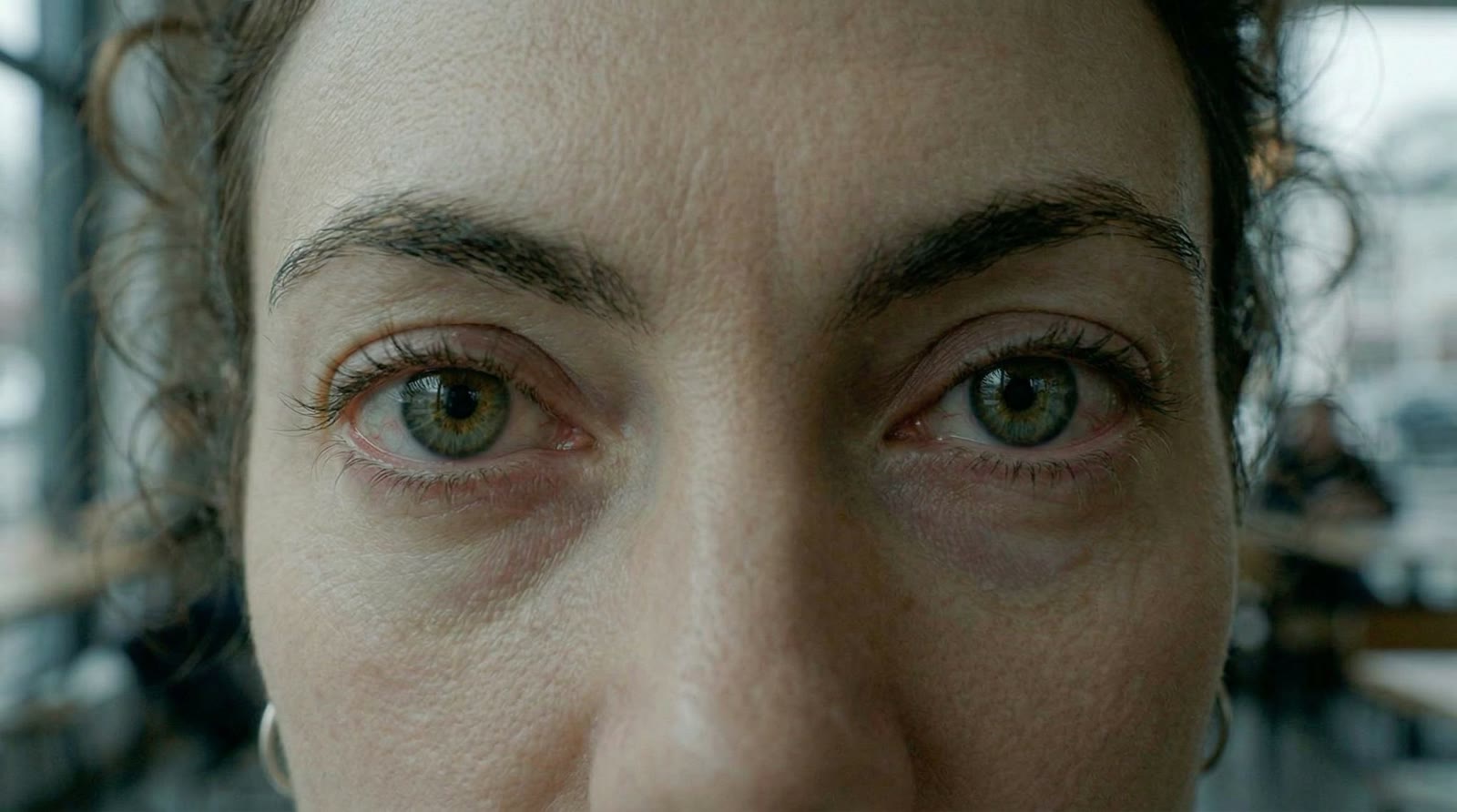
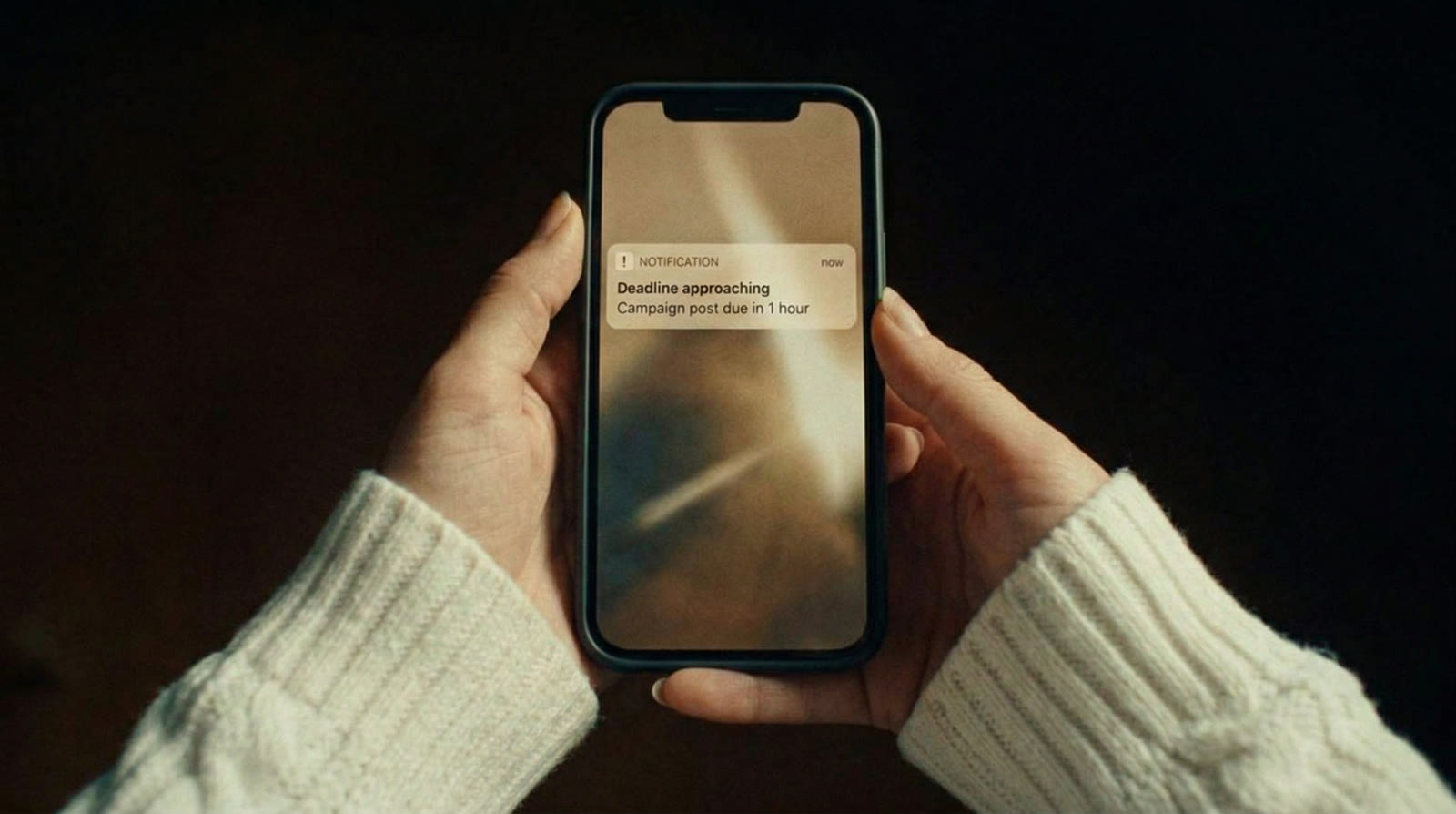
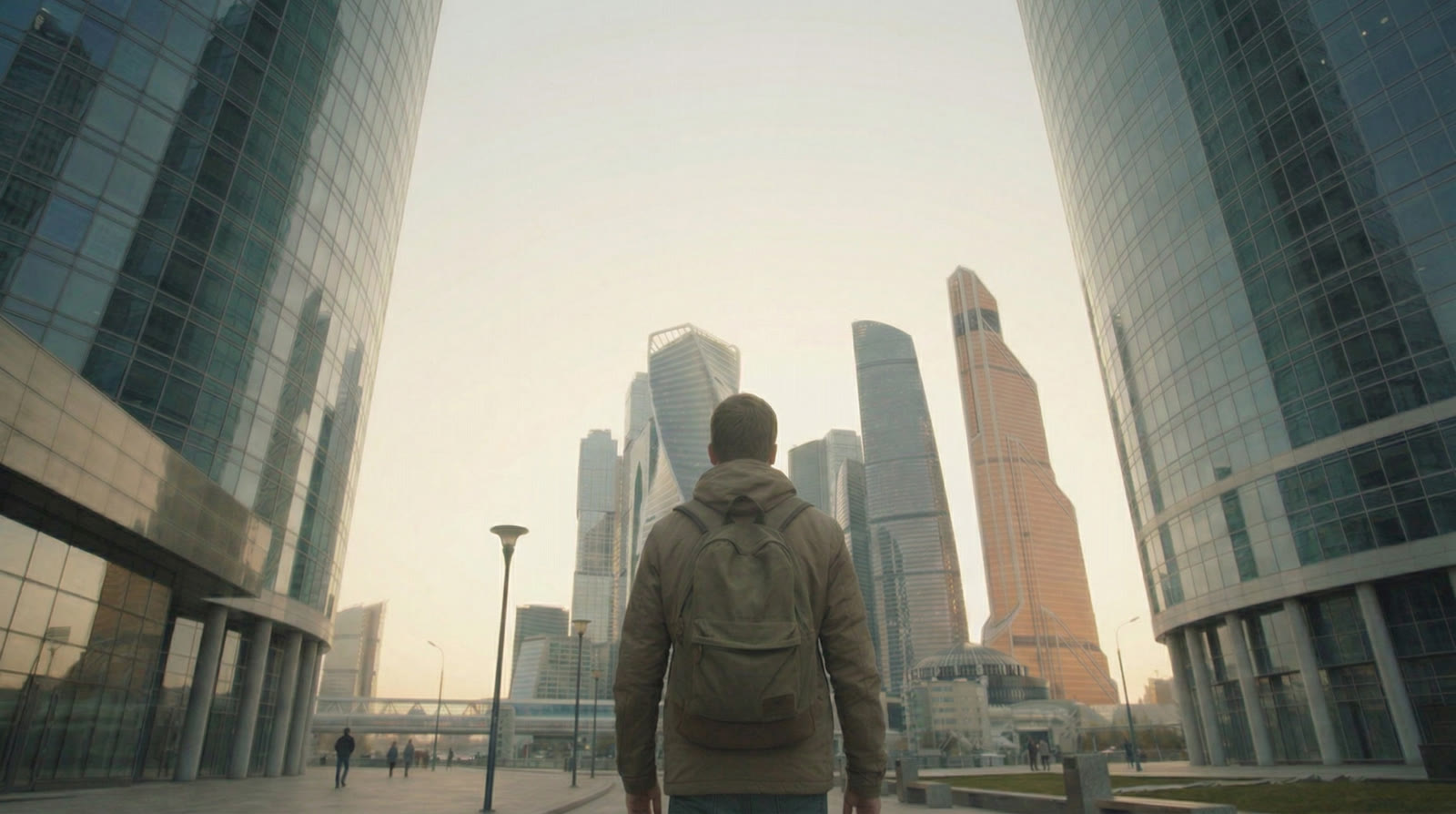
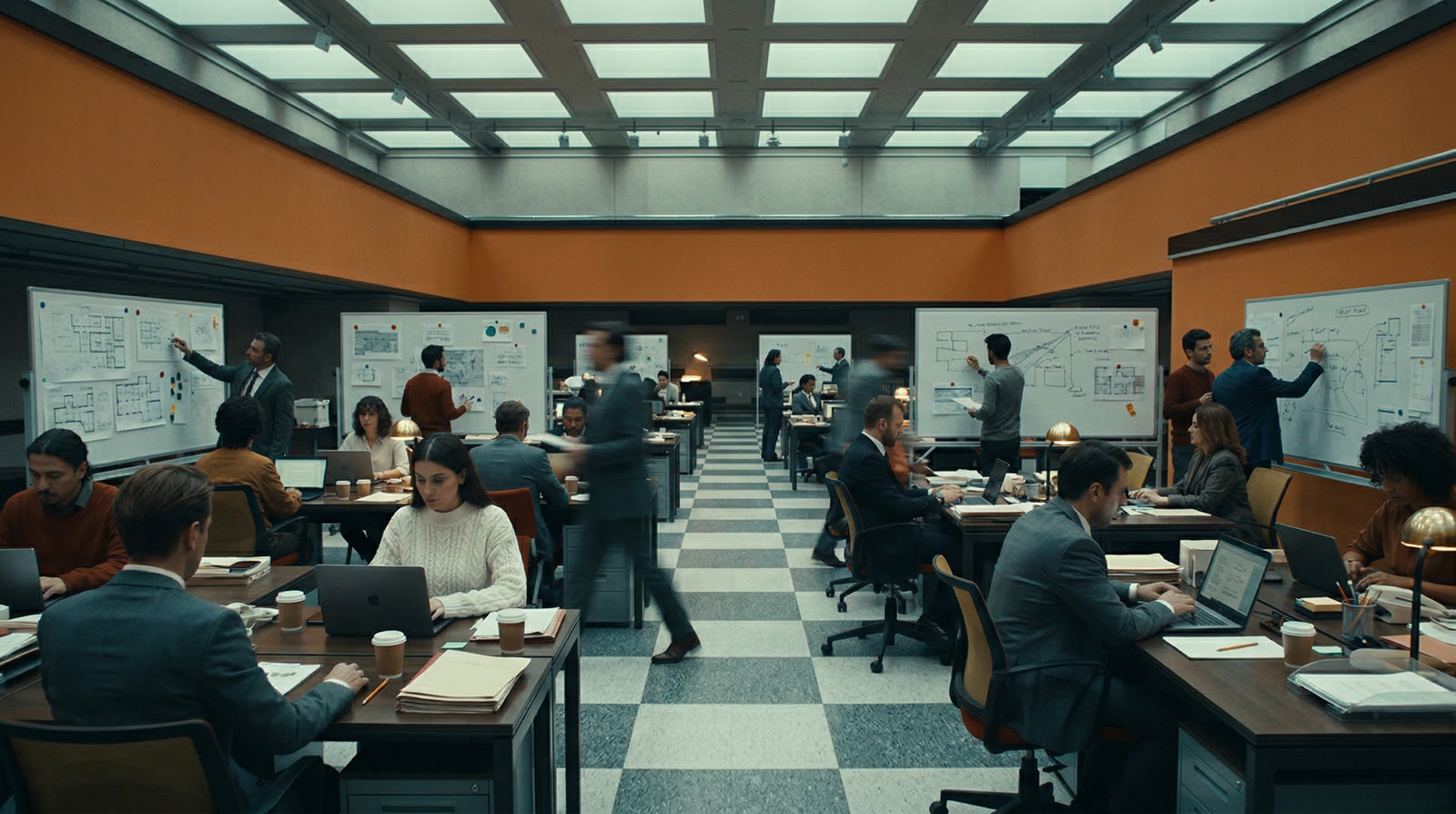
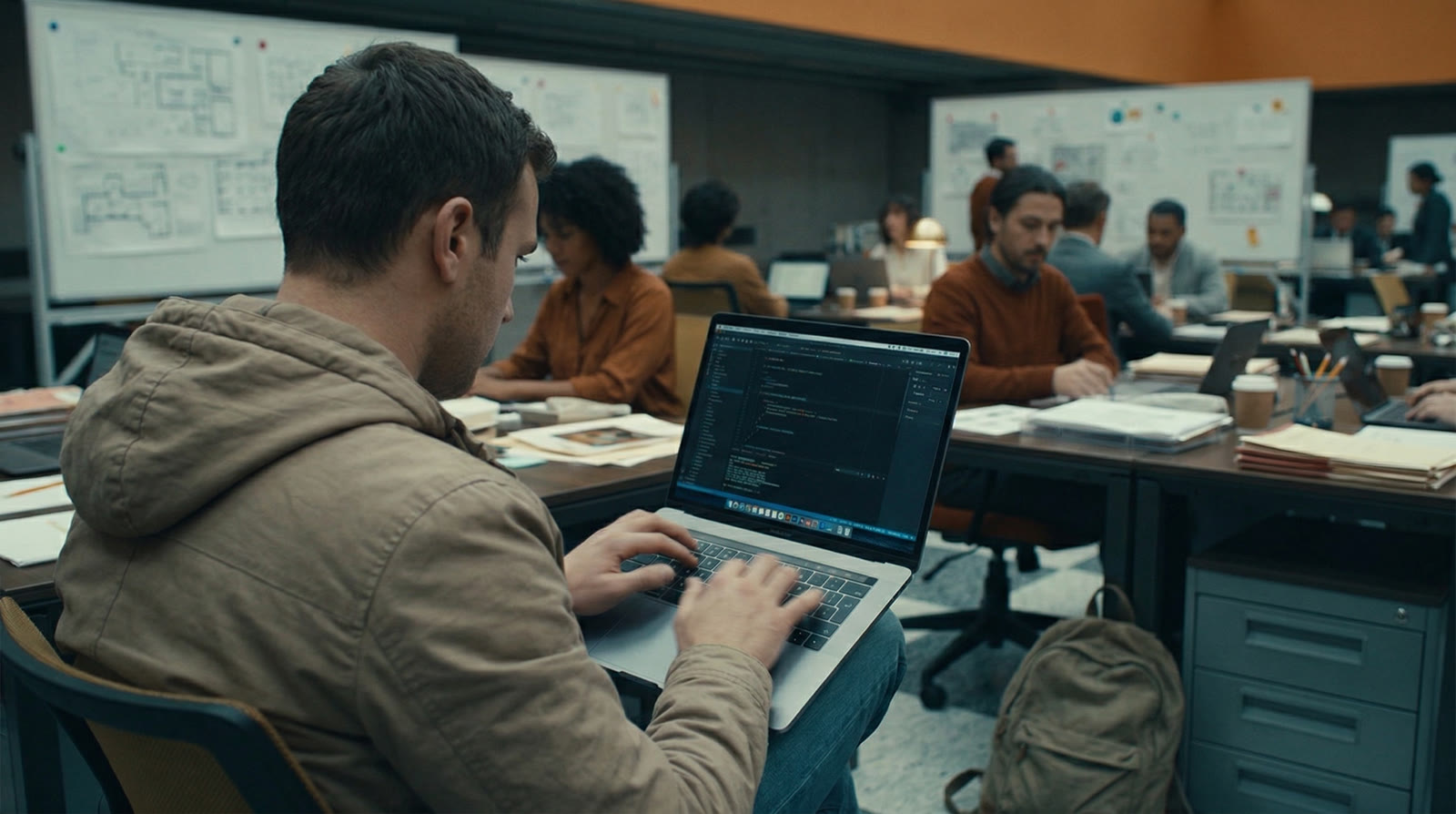
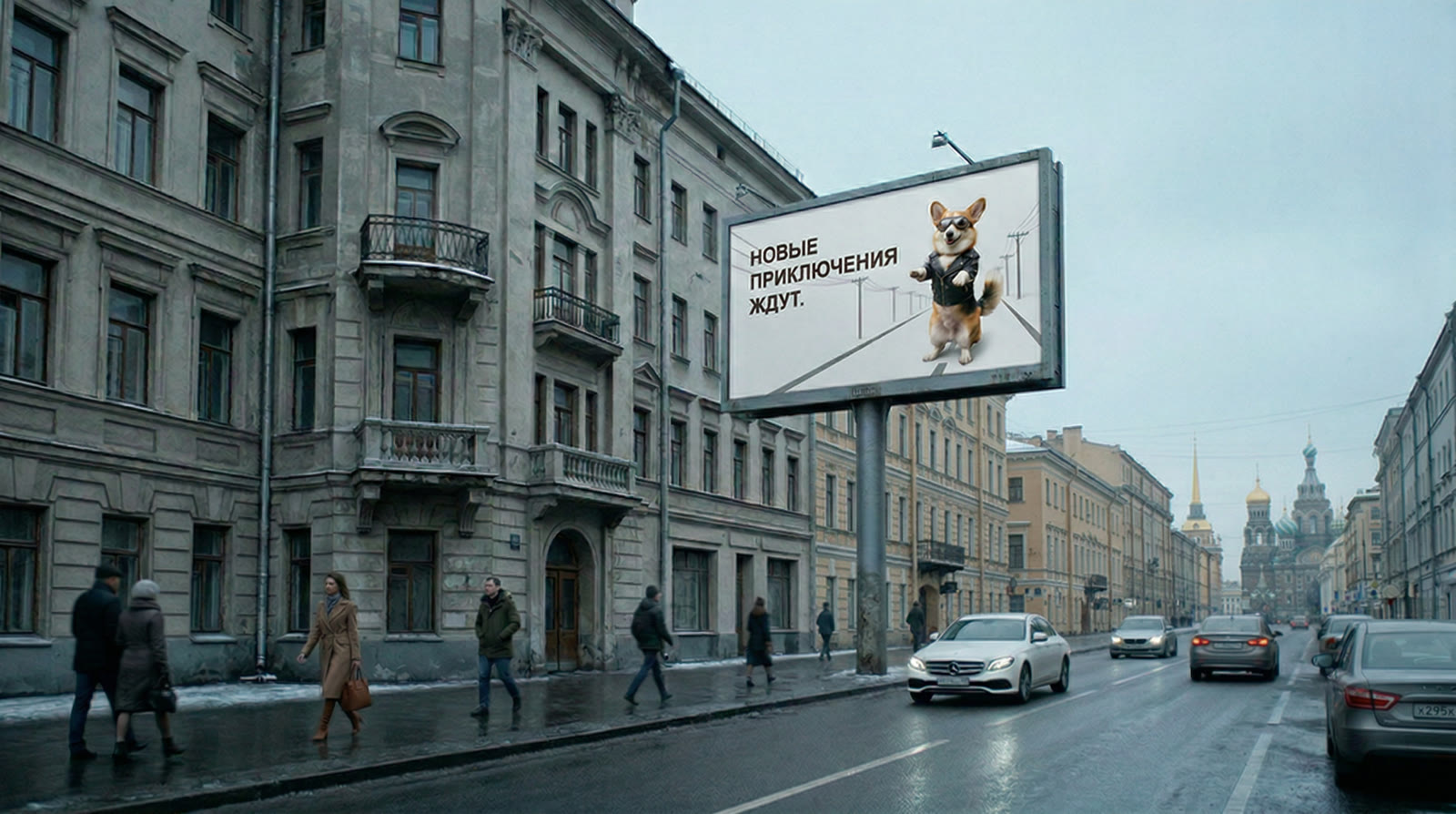
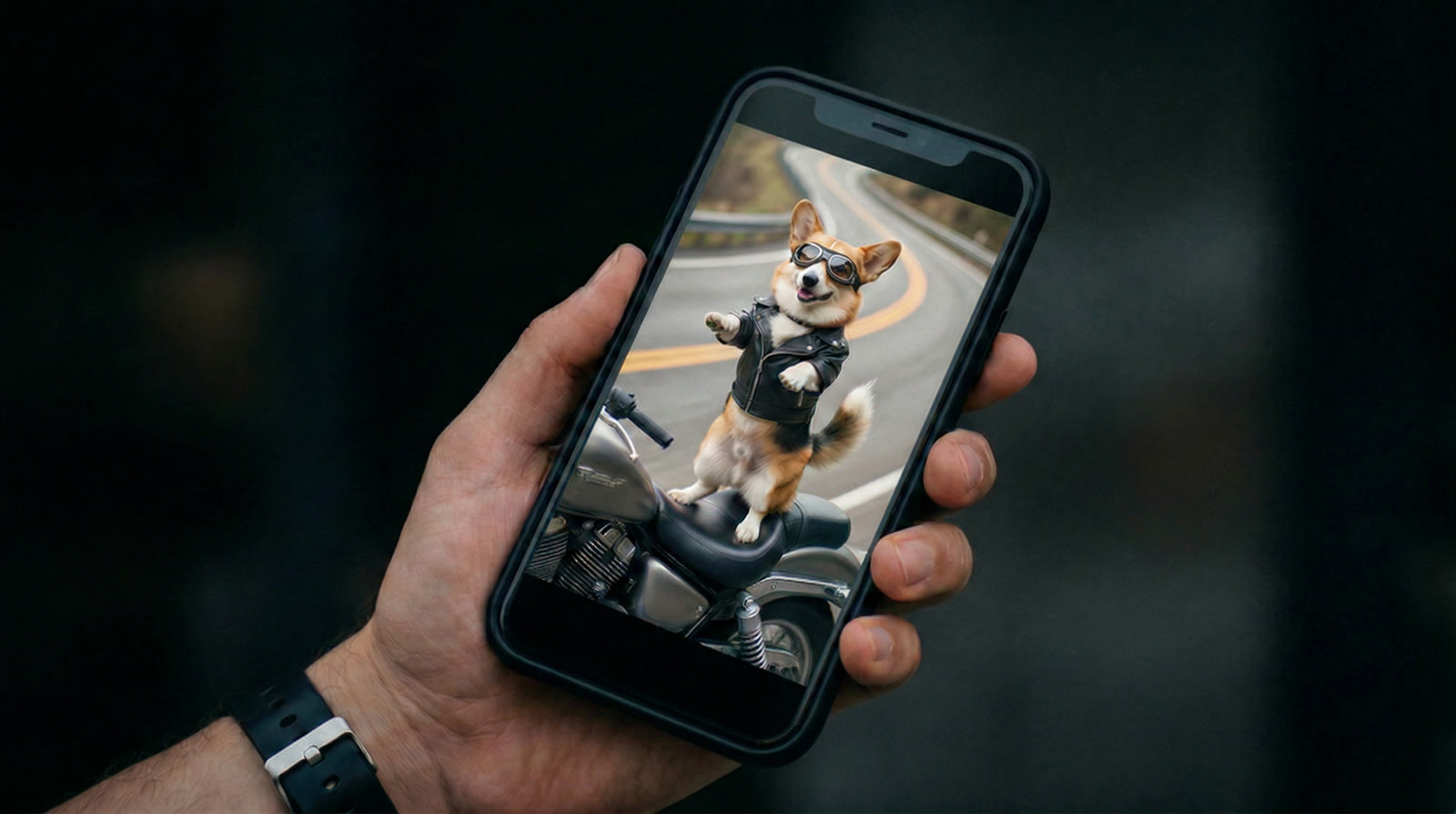
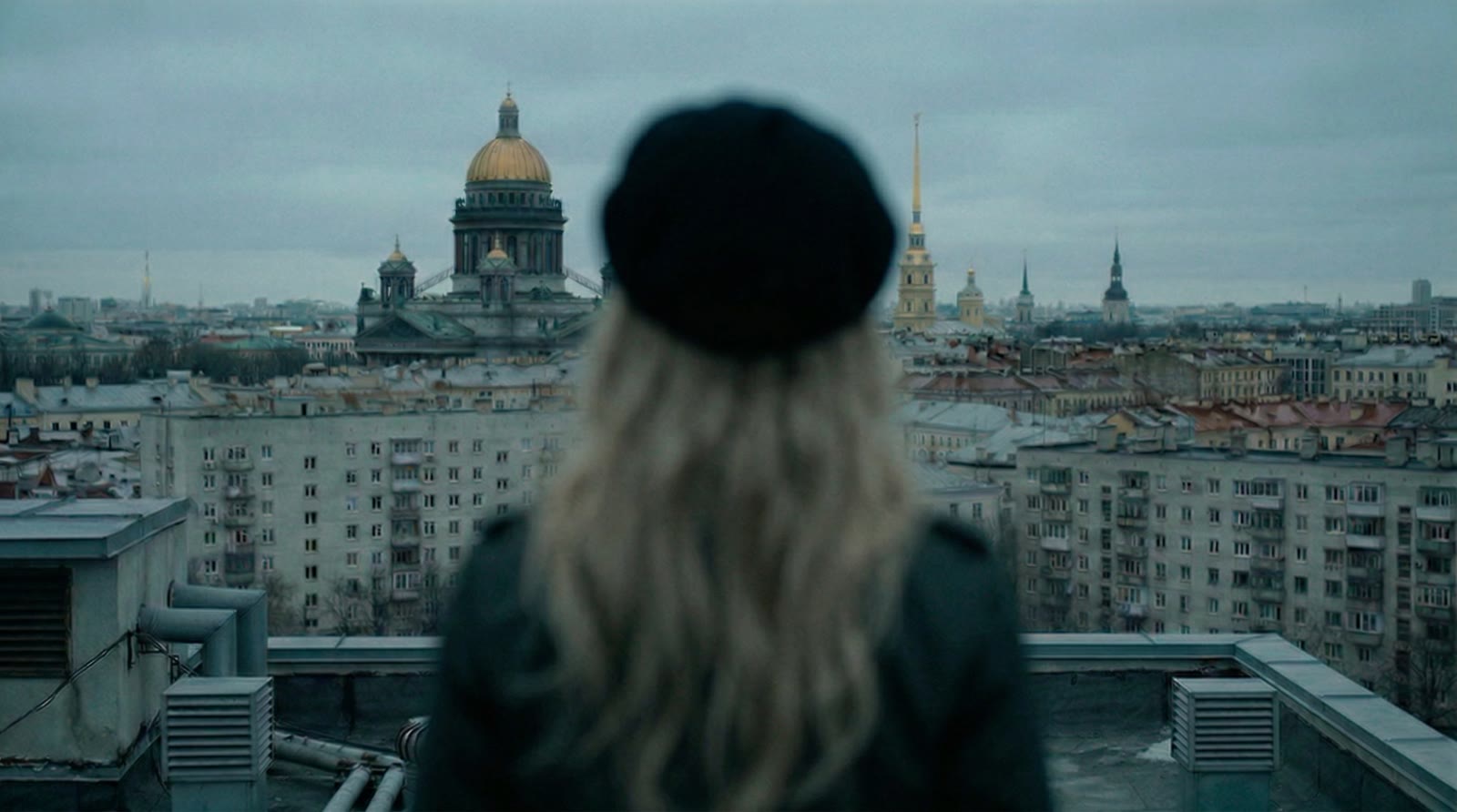
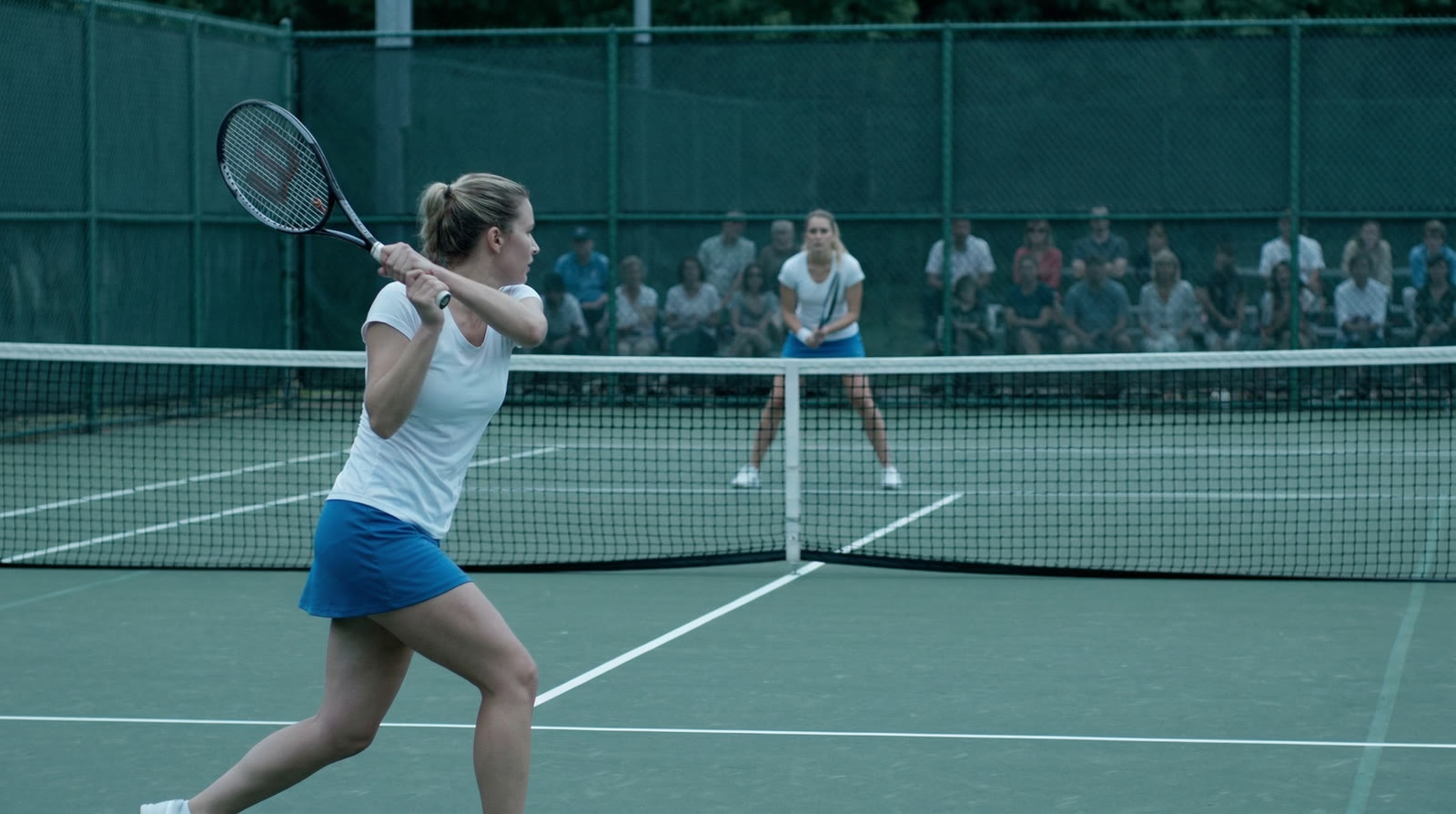
Stills inherit their look from the moodboard, both the global one and the per-scene refs: character, locations, color. So the woman at the café and on the rooftop is the same person, and the city keeps the same weather and the same light. Video brings an approved still to life: the prompt describes only the motion, so the composition stays put.
Any shot can be tweaked in plain words, regenerated or swapped for your own footage. Earlier versions never disappear. Our test piled up 84 of them, and every one is a click away.
Shot by shot
Fourteen shots from the test, at three stages. Switch between the storyboard sketch, the still and the video.
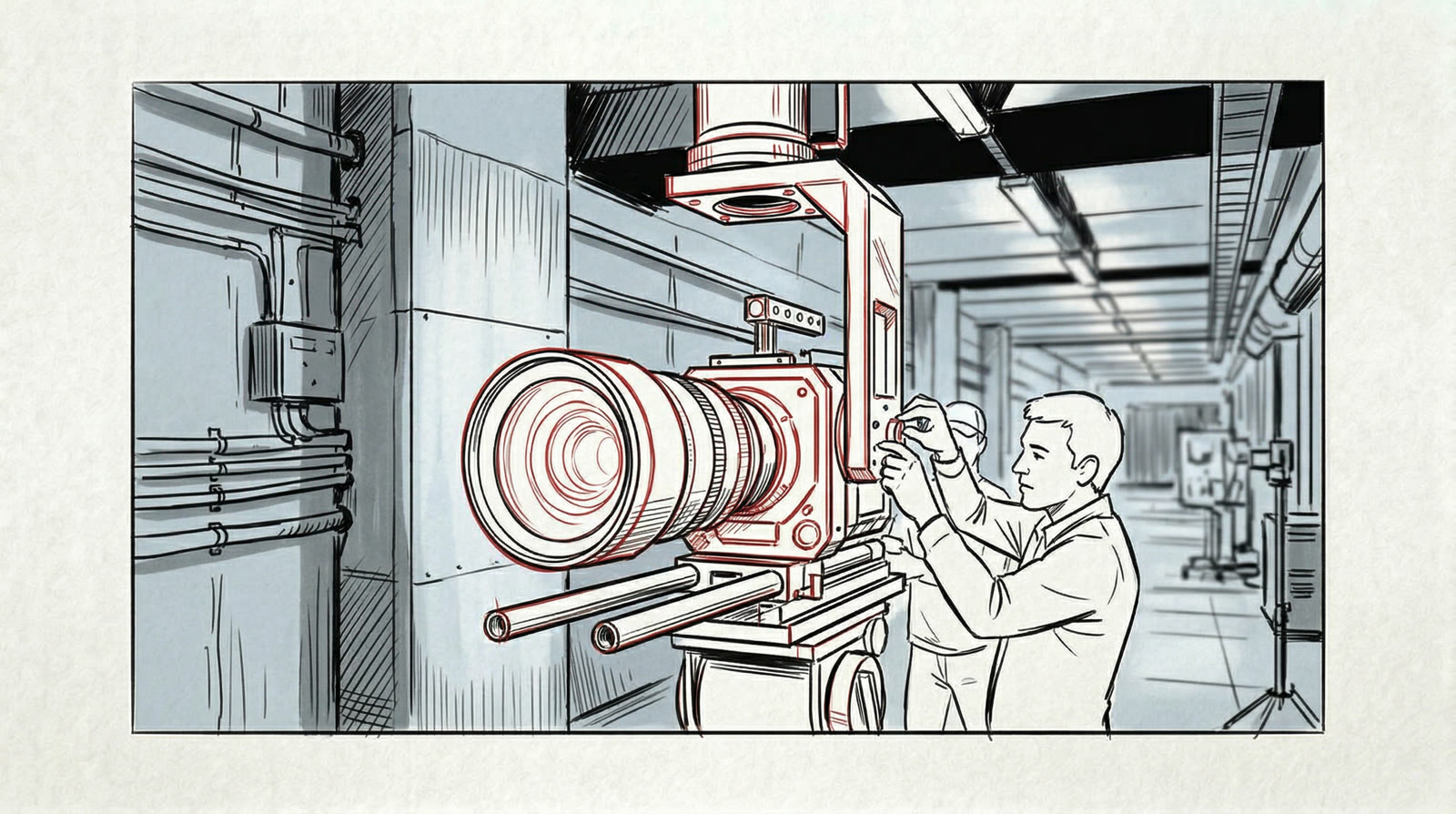
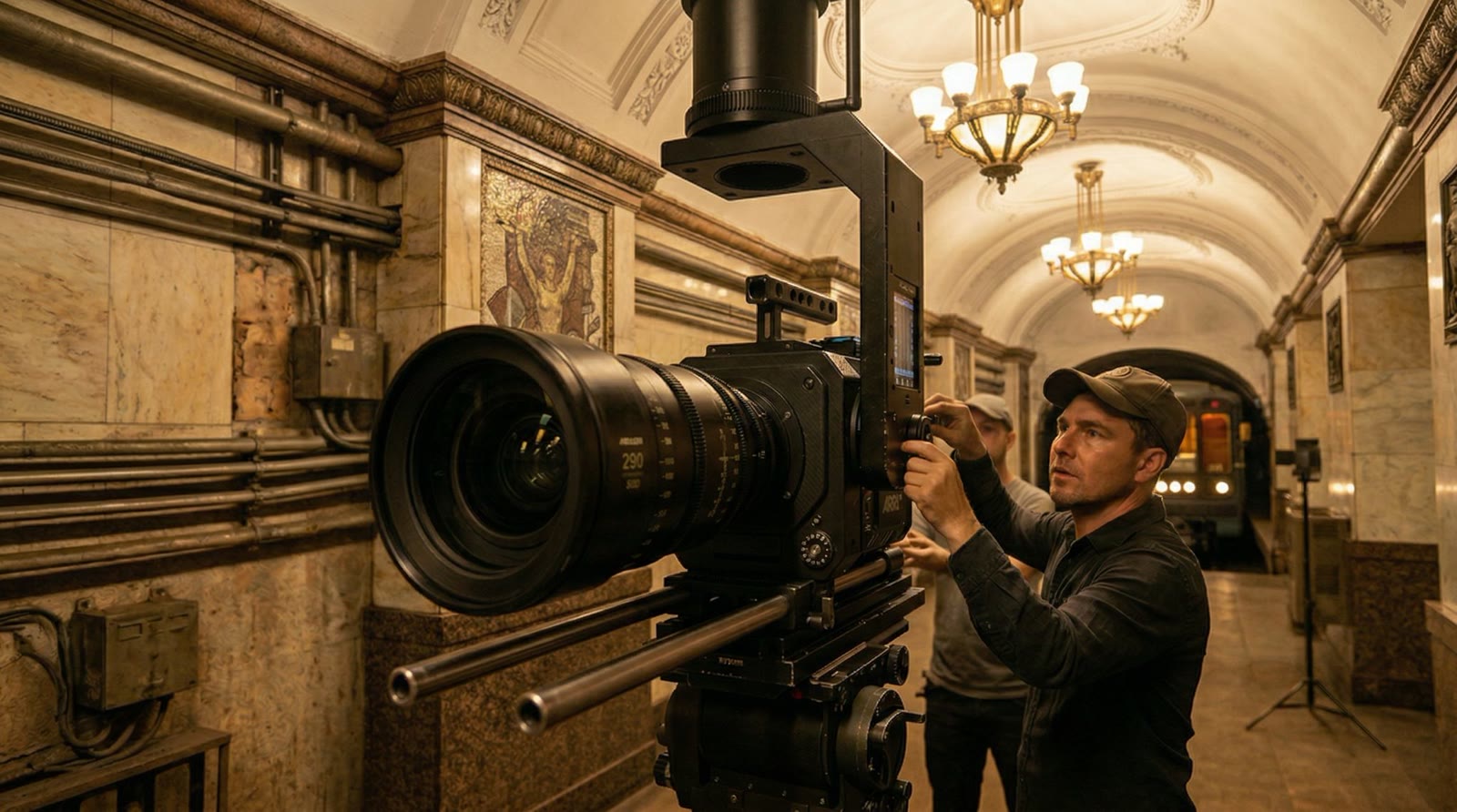
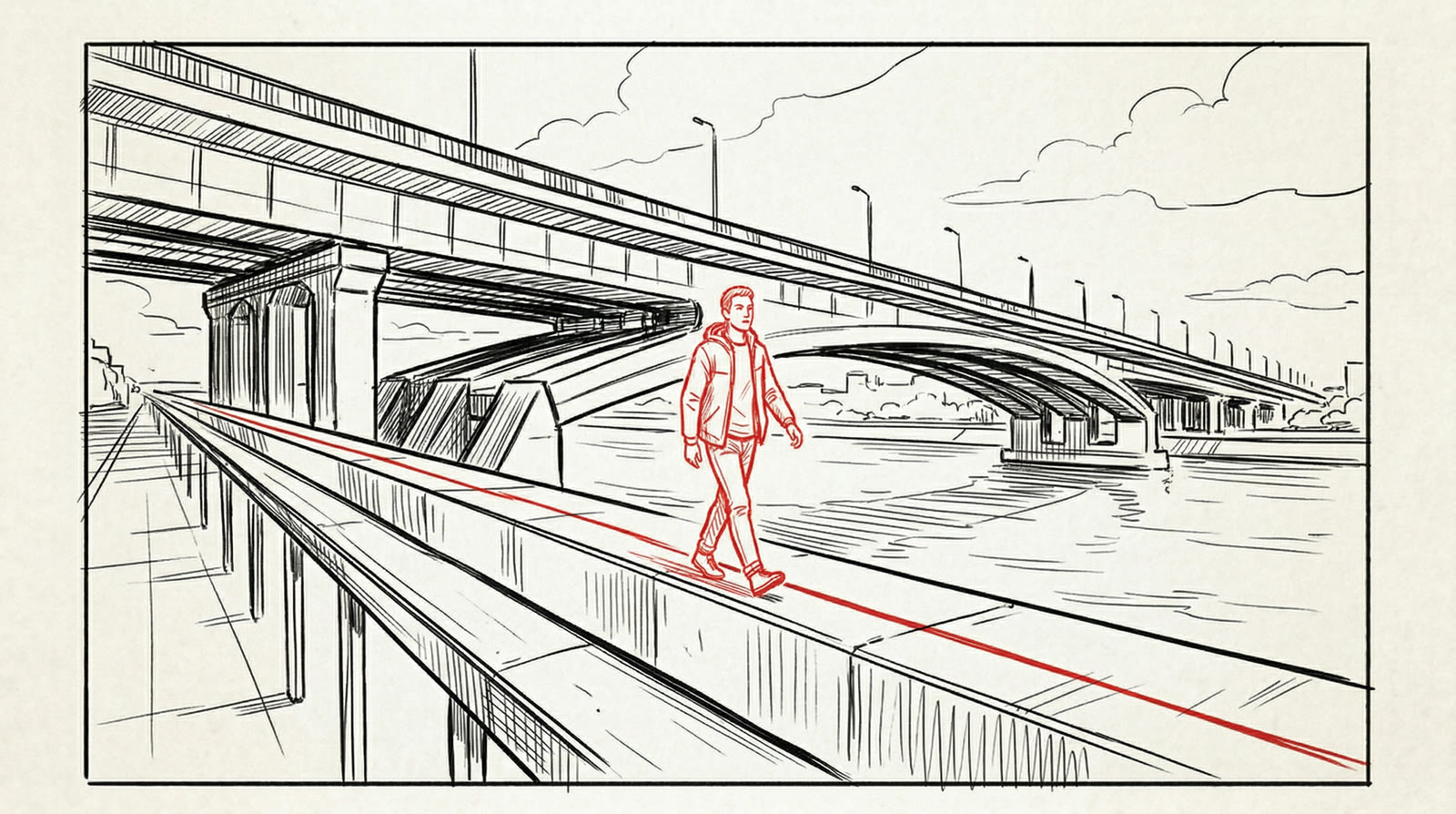
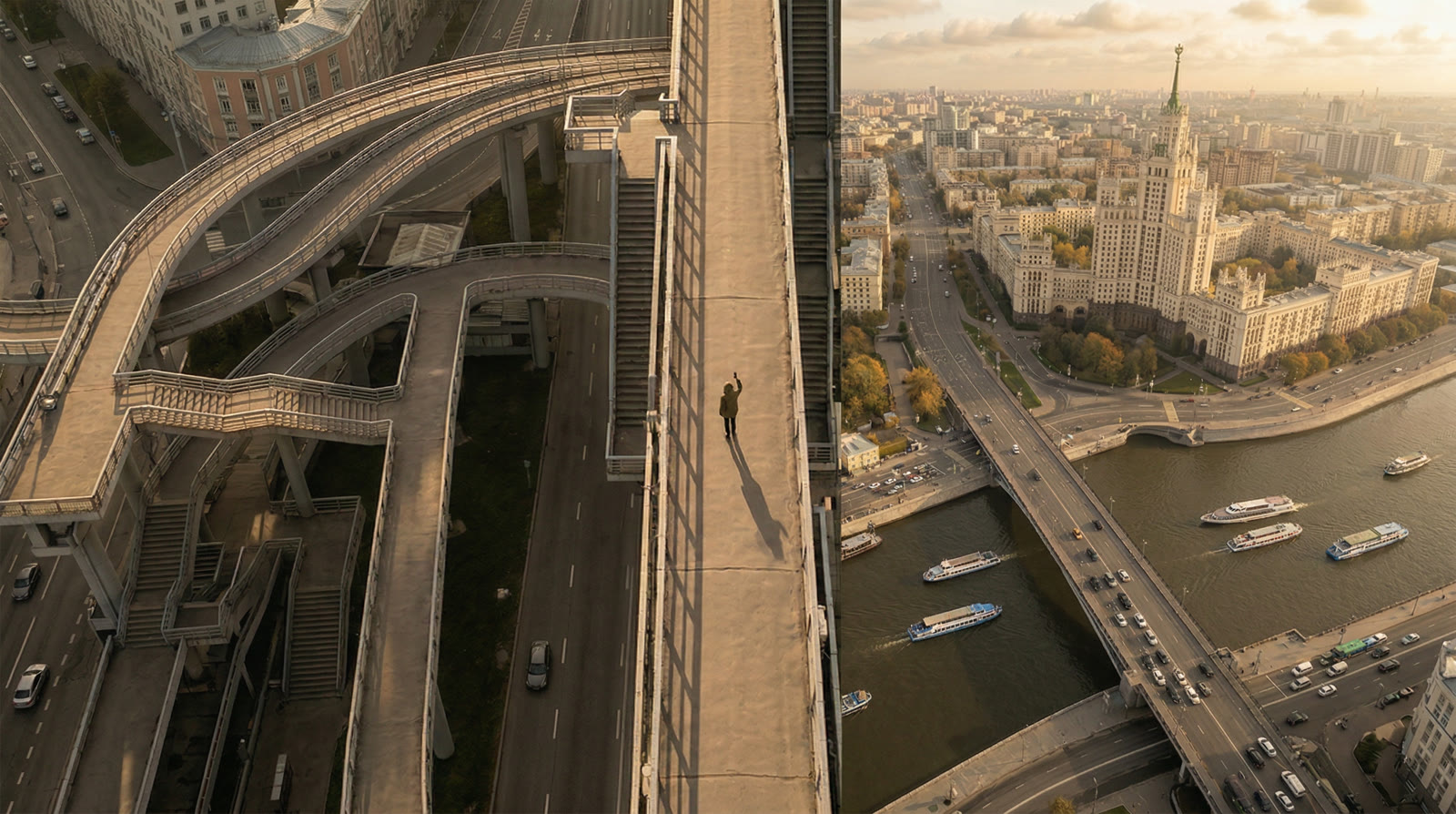
03
Test film: “AI Is Already Here”
To test the tool on a real job, we ran it on a brief for a manifesto spot about AI production: the city wakes up, a creator drowns in edits and deadlines, and a new kind of studio blends live shoots with AI. Seven scenes, nineteen shots, a documentary feel: natural light, handheld camera, no sci-fi.
The whole generation took 40 minutes. A person supplied only the inputs, the brief and the references; the tool did the rest. It flagged which shots to shoot live, which to build as composites and which to make entirely with AI. The spot above is cut from the project’s shots, voiceover and sound included. The same project works as an animatic too: something to take to a DP, into a budget and through sign-off.
04
Where it fits
Shoot pre-production: a storyboard and animatic in days, not weeks, plus a clear list of what to shoot and what to generate. Pitches and tenders: the client sees the spot before there’s a budget. Fully AI spots: the same stills become the final video, with the script, storyboard and edit already done.